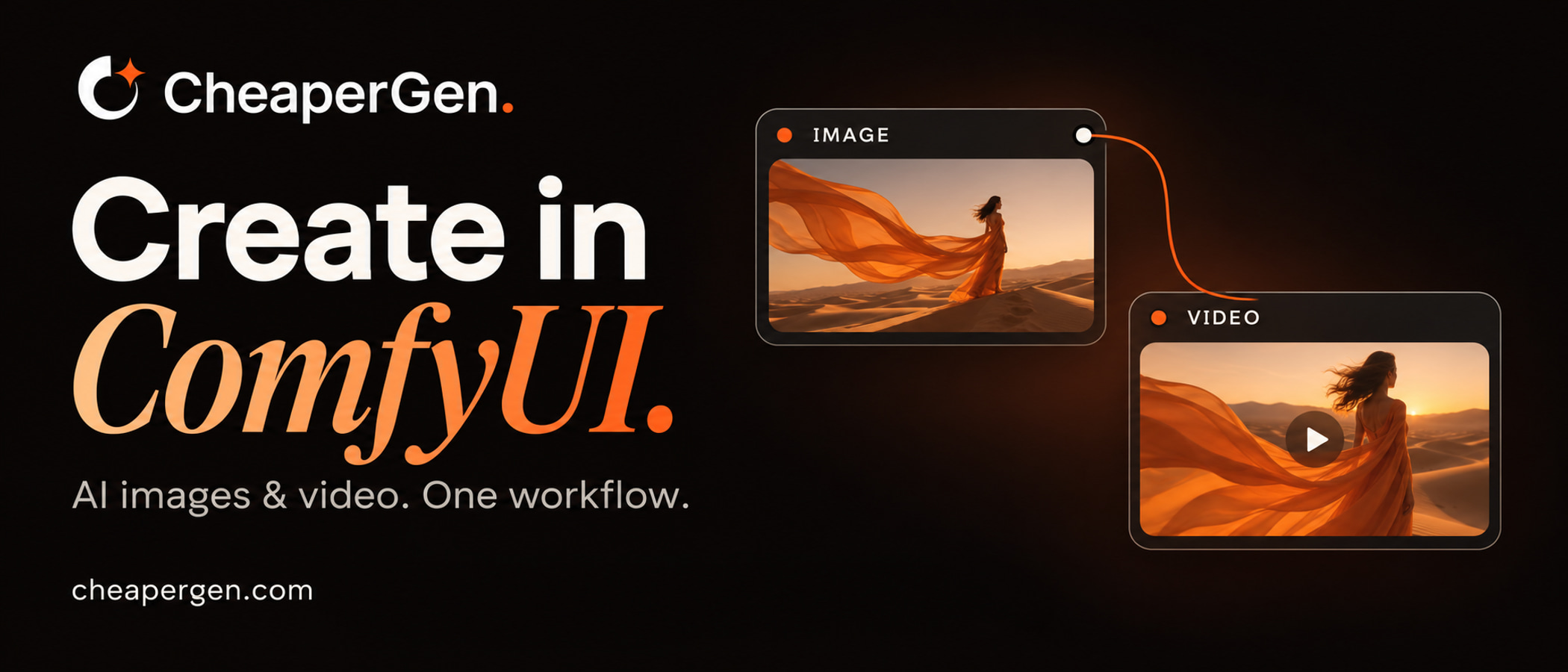
Generate AI images and videos in ComfyUI with CheaperGen. Two unified Image and Video nodes with model selection, spending limits, and immediate task ID display. First-time installation: Install comfy-cli and ComfyUI-Manager, and select your ComfyUI workspace. Run: comfy node install comfyui-cheapergen --mode remote. This refreshes the Manager node directory before installation; the first refresh may take a few minutes. Restart ComfyUI after installation. No manual ZIP download is required. Setup guide: https://cheapergen.com/comfyui
https://github.com/Azure-Vision/CheaperGen
git clone https://github.com/Azure-Vision/CheaperGen
comfy node install comfyui-cheapergen
Roto / alpha-matte helper nodes for ComfyUI: save an RGBA image sequence as one TGA zip na…